archivr
self-hosted archiving for web pages, videos, social media posts, and files · GitHub
self-hosted archiving for web pages, videos, social media posts, and files · GitHub
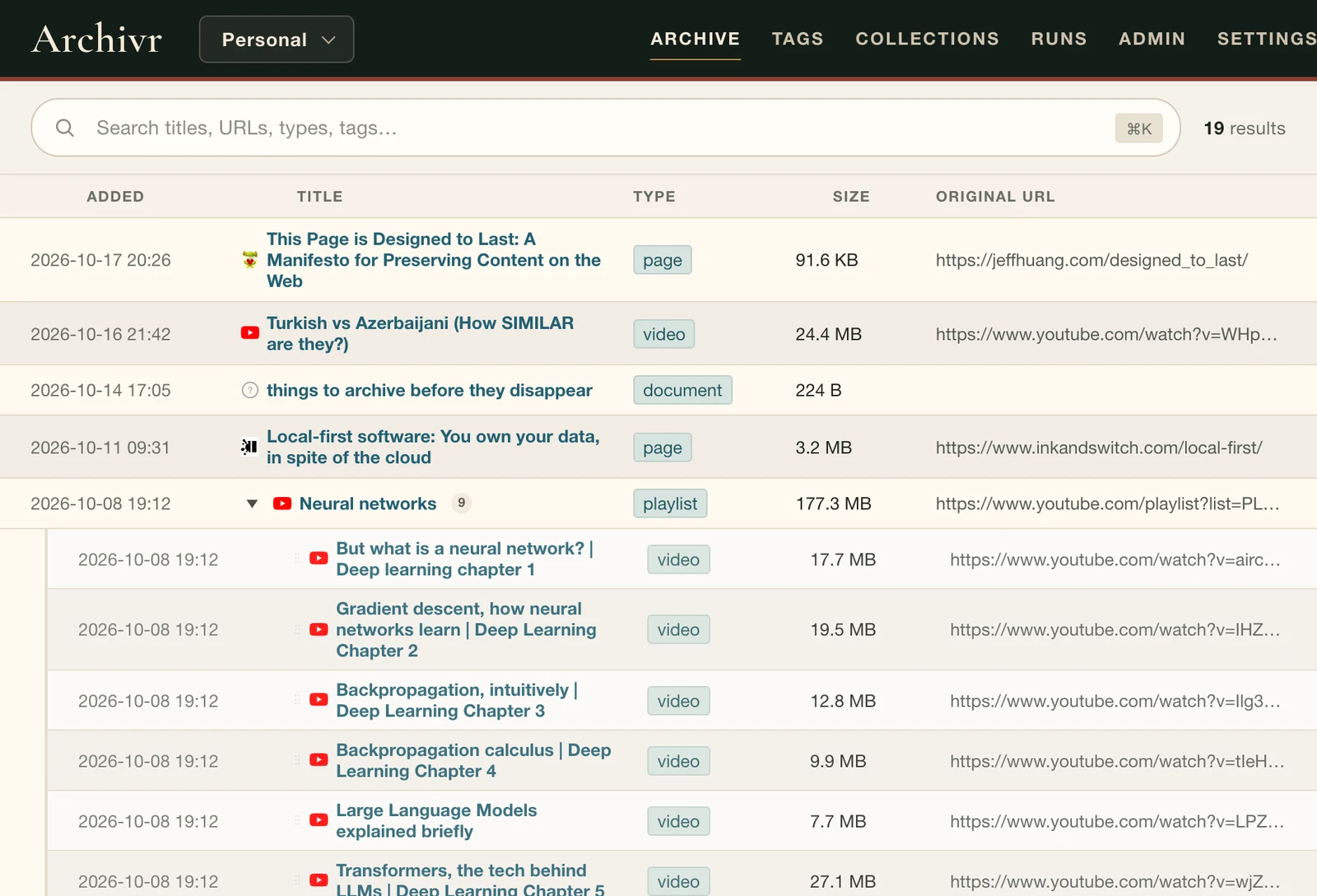
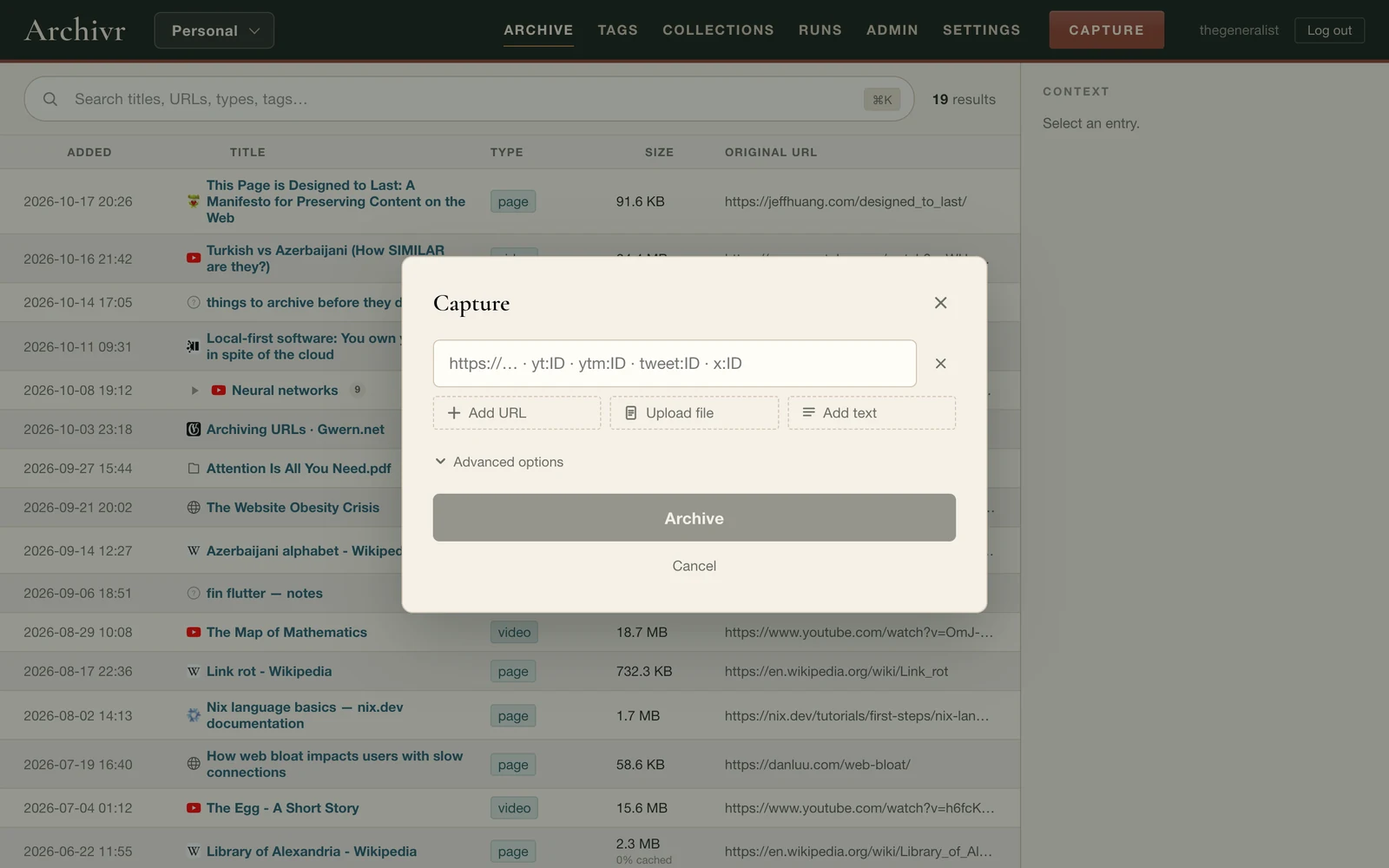
things on the internet don't stay. posts get deleted, videos go private, sites shut down, and links you saved years ago quietly stop working. archivr keeps a full copy instead (the page, the video, the thread, the file) on your own machine, so it's still there when the original isn't.
work in progress, and the one i'm most proud of.
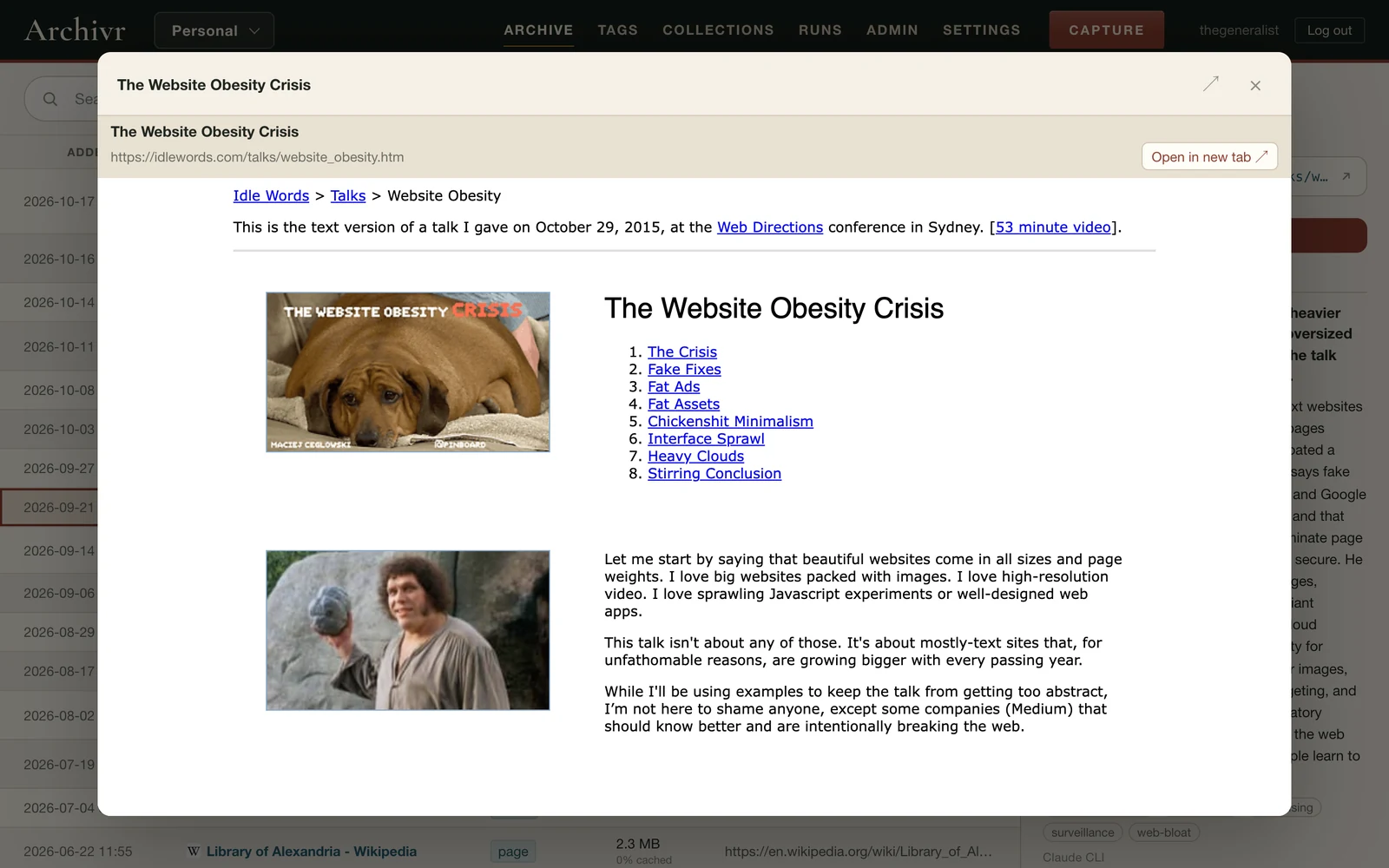
languages/turkic or web/archiving.there's no cloud service in between. your archive is a folder of ordinary files plus one SQLite database, and you can export any of it to HTML or Markdown. if archivr stopped existing tomorrow, you would still have everything you saved.
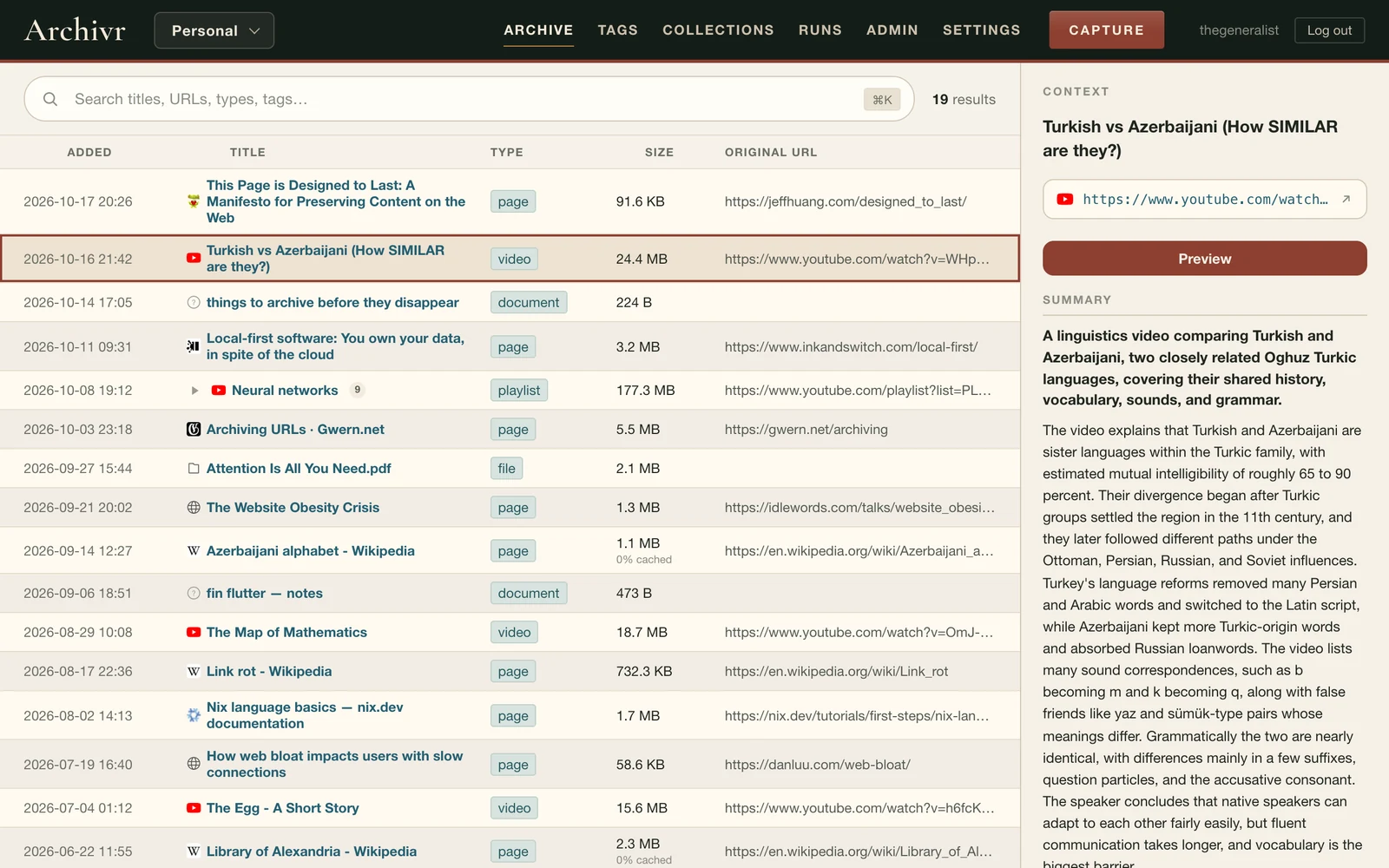
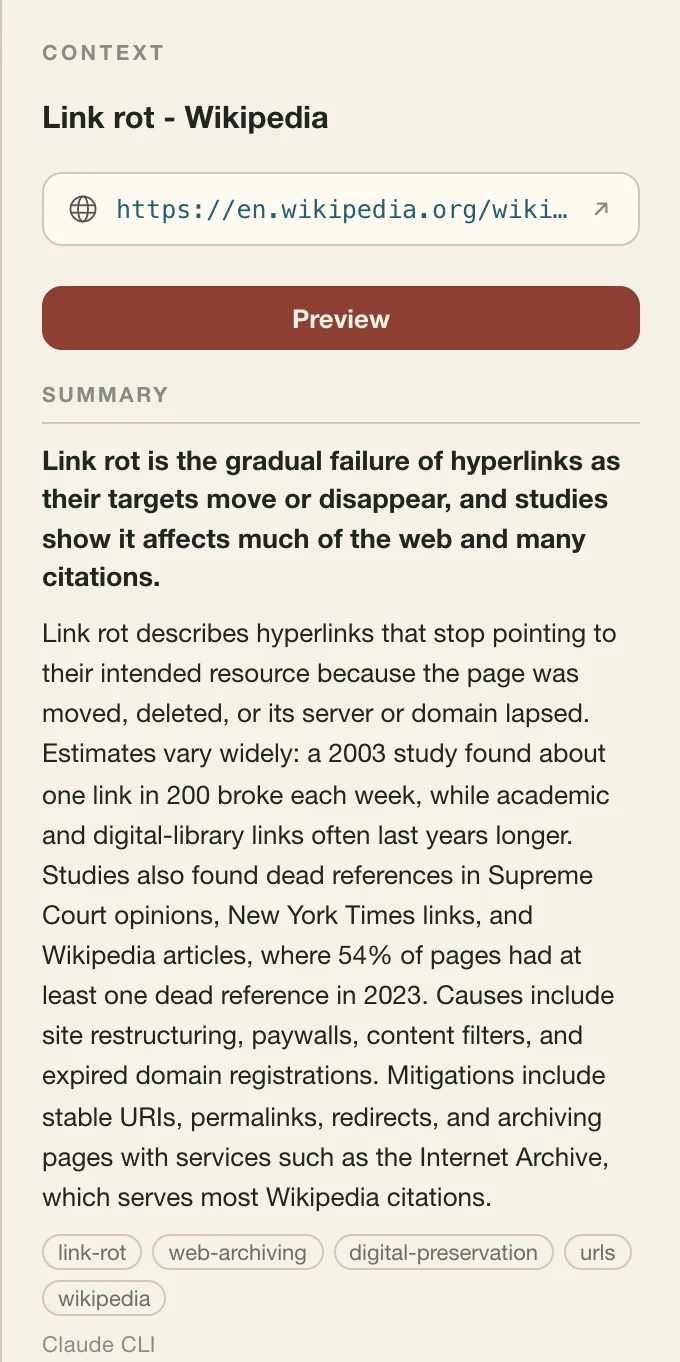
press Generate on an entry and archivr writes a short summary: one line on top, a paragraph under it, and a few tags. it reads pages, notes, X threads, and YouTube videos through their subtitles, so you can tell what a 25-minute video is about without watching it.
summaries and their tags go into search, so a video turns up for what it's about, even when its title says nothing.
nothing is summarized unless you ask. it can be written by the Anthropic or OpenAI API, any OpenAI-compatible server (one on your own computer works too), or the claude and codex command-line tools you already have.
rightbelow: archivr's summary of the Wikipedia article on link rot.
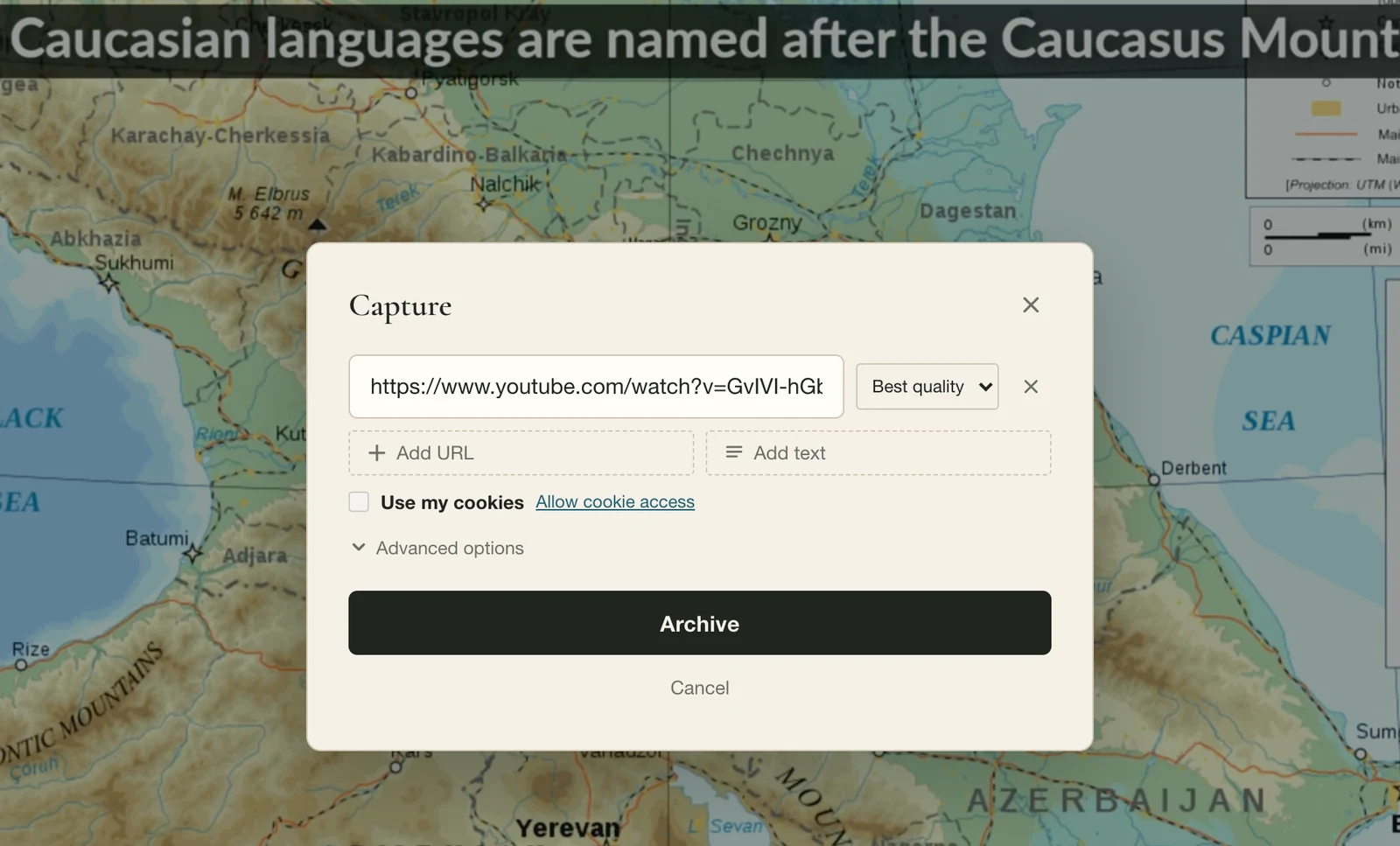
right-click a page, an X post, a video, or some selected text, and pick Archive. the same capture dialog opens on top of the page, with the quality picker and all the options, and the capture runs on your server while you keep browsing.
it connects to your server with a single API token, and it only sends your cookies for a site when you tick "use my cookies". Chrome only for now, and it's not in the Web Store yet, so you load it unpacked. (GitHub)
archivr-mcp lets Claude Code, Claude Desktop, or any other MCP client use your archive: search it, read summaries, save links and files, tag and organize. it talks to your server with an API token, and it can run read-only. (GitHub)
what's in my archive about link rot? one or two lines per entry.
Your archive has two entries about link rot:
save https://jeffhuang.com/designed_to_last/ and tag it like my other archiving stuff.
Saved https://jeffhuang.com/designed_to_last/ and tagged it /web/archiving. I picked that tag because it's where your other archiving captures live: it already has 5 entries, and it sits under /web.
a real session with Claude Code, shortened.
with Docker Compose:
then open http://localhost:8080 and create your account. saving X posts needs a cookies file, and docker-compose.yml shows where it goes.
with Nix:
the server reads archivr-server.toml from the current directory, which lists your archives (the README has an example). there's a NixOS module too. the full setup guide is on GitHub.